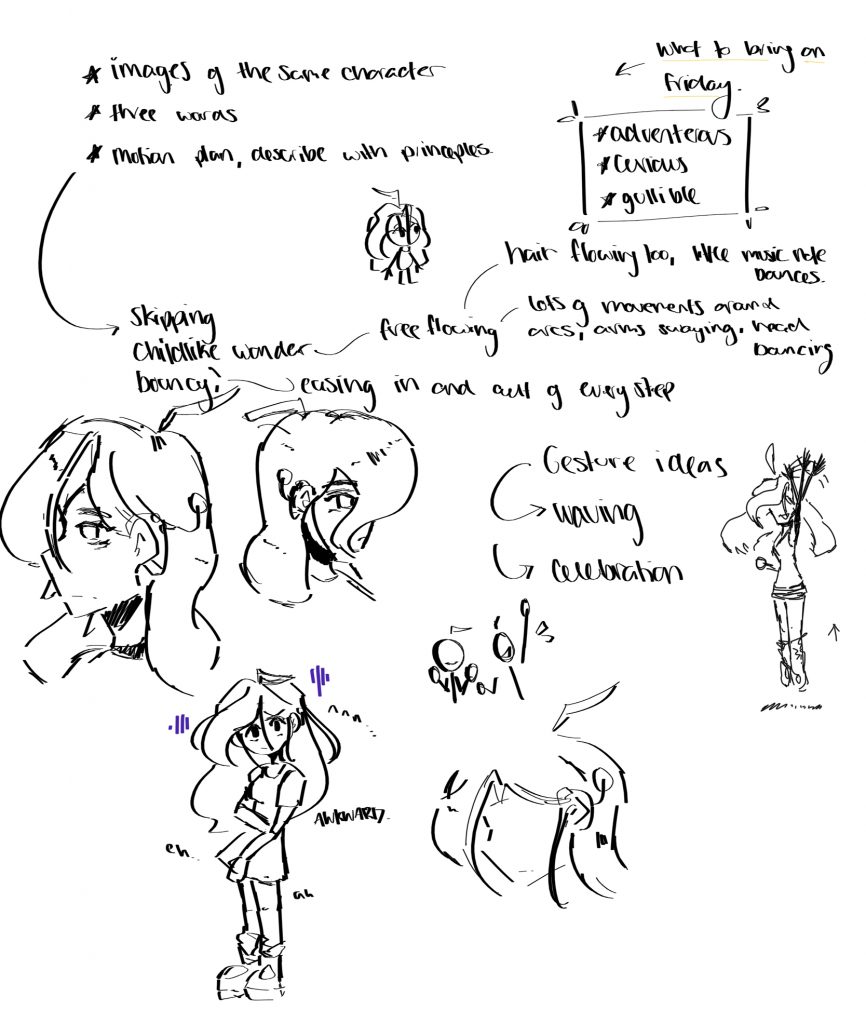
For this big Project, My Team 13 “The Most Epic and Awesome Guys in the World” decided to pick a few words from the word bank each and see what crossovers we had in order to be on a similar basis for our animation. The most popular were:
- Greed
- Decay
- Solace
- ForeShadowing
- Burst
- Uncover
We each pitched some ideas that came instantly into our head, and ultimately decided to depict a story that has a gnome protagonist. Our original idea was thought to be too long for the 30s we had for this project and so we consolidated the idea and made it about a Big Gnomes birthday.
After many iterations out Log line came out to be:
“Outcast of the Village sulk though town and accepts that everyone forgot about his special day..again.”
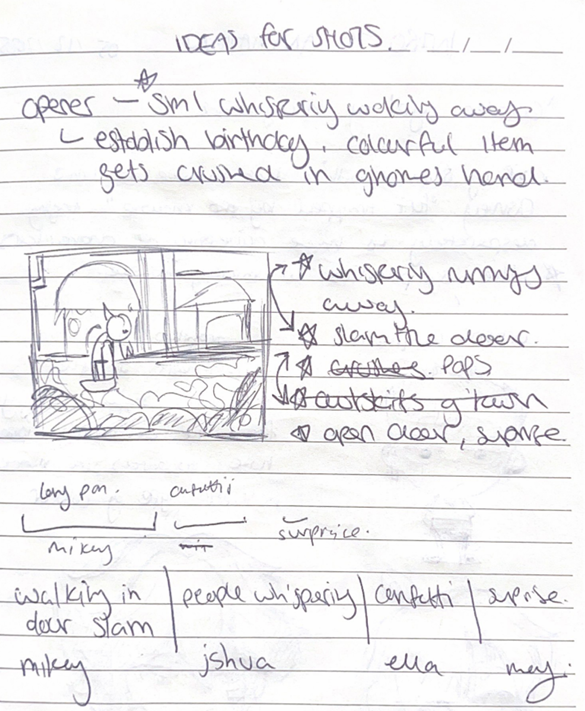
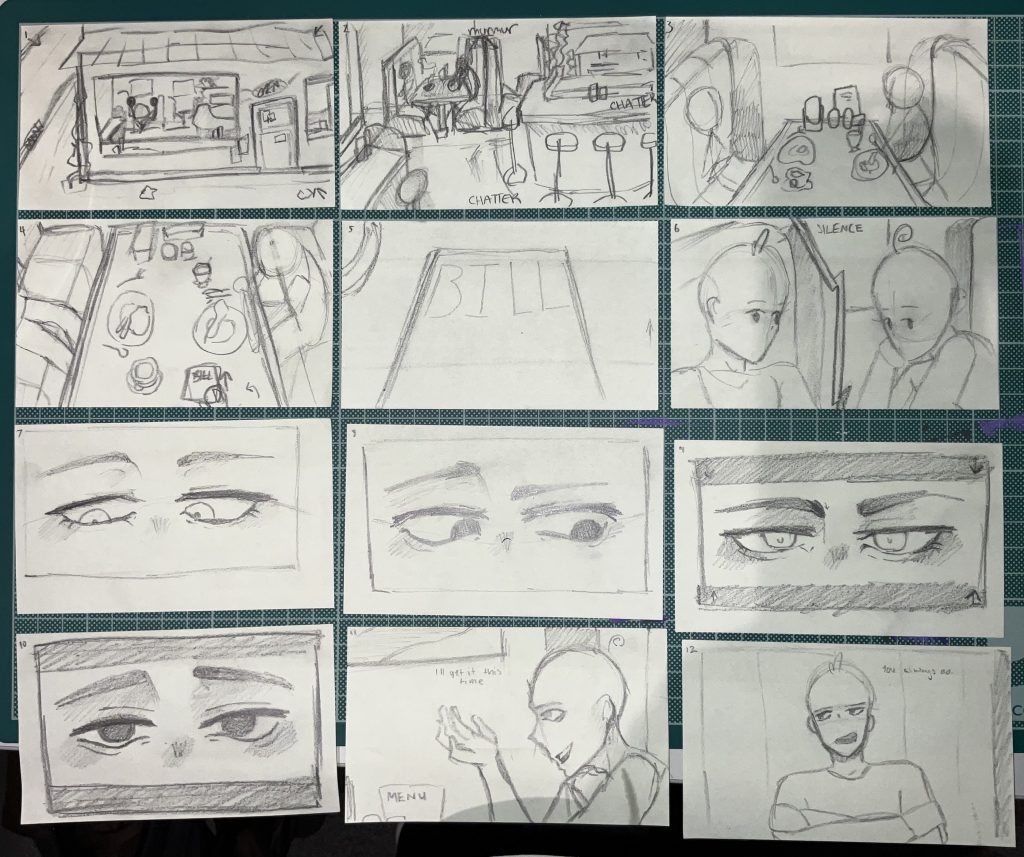
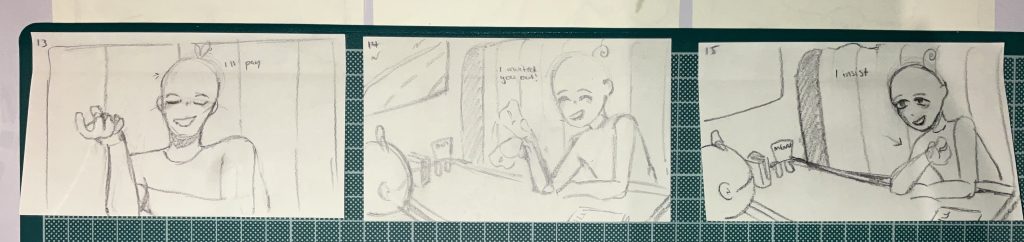
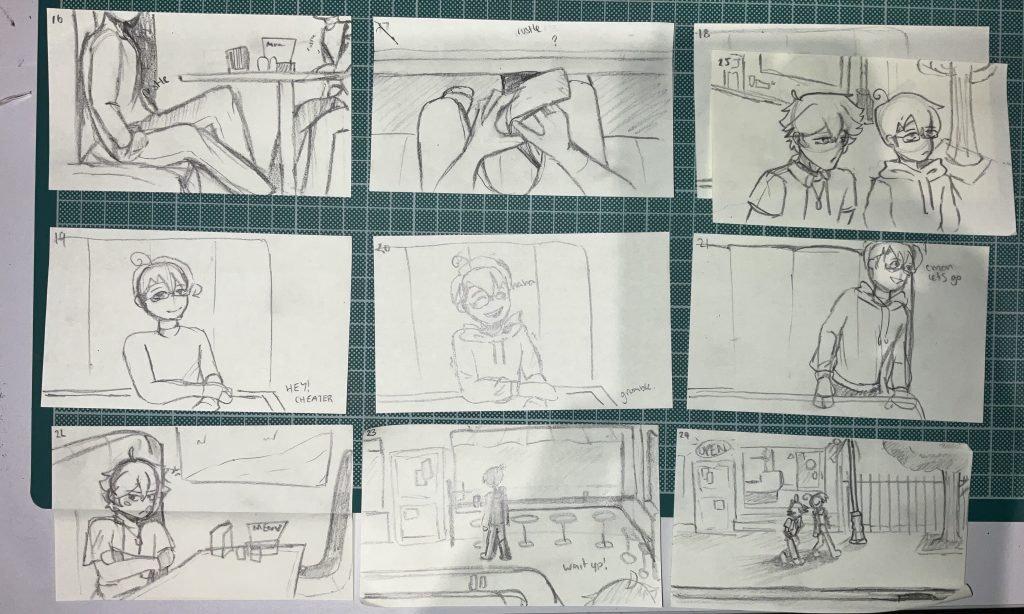
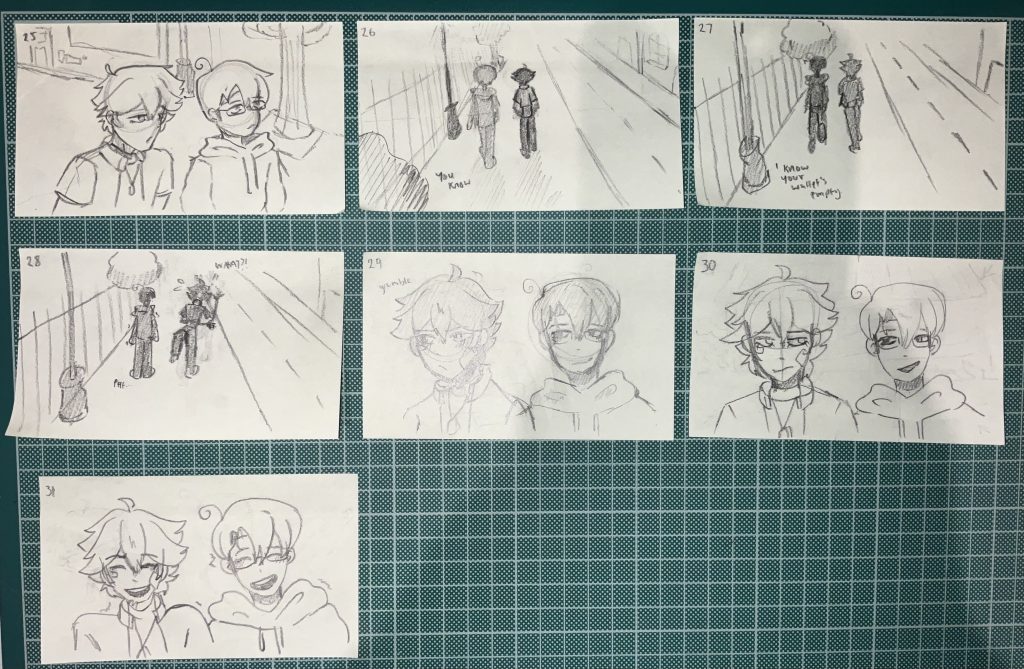
We planned an animatic to see timings as well as potential shots. Delegating that out for each member to draw and send to me to edit into a video.
First Animatic Draft.
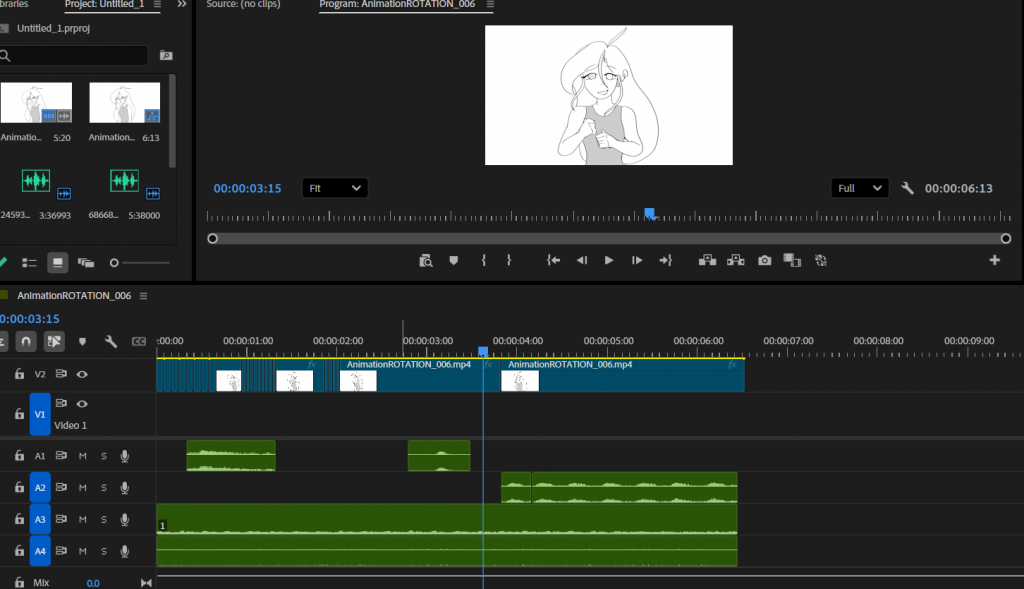
I took everyone’s files and put them all in the timeline how we discussed. Some shots were missing so i added in the few scenes.
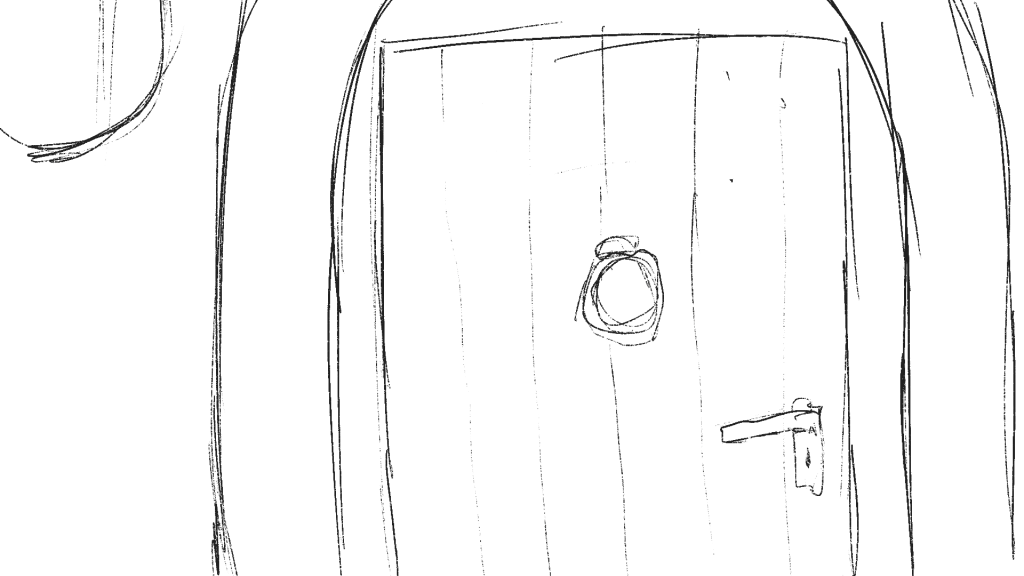
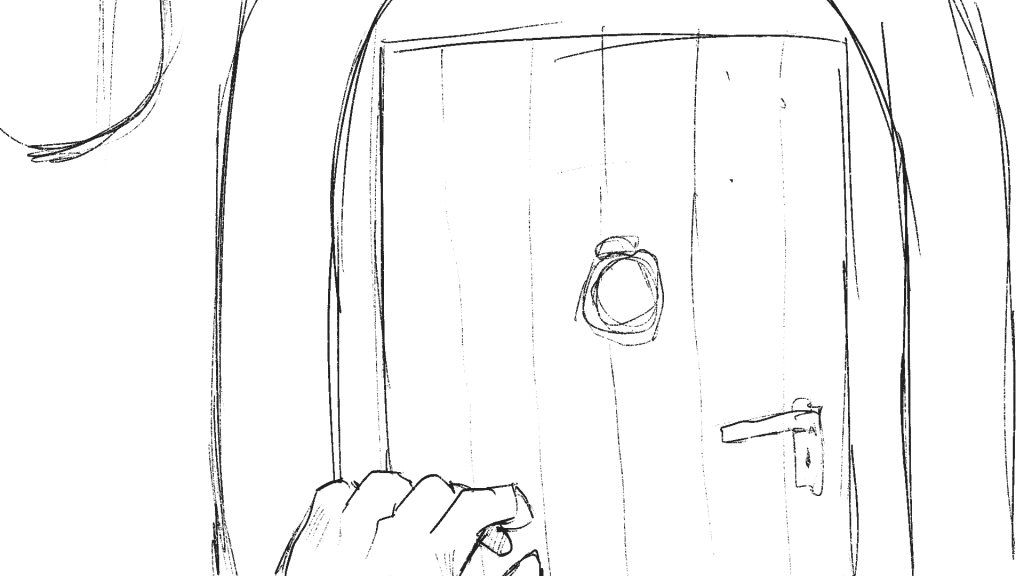
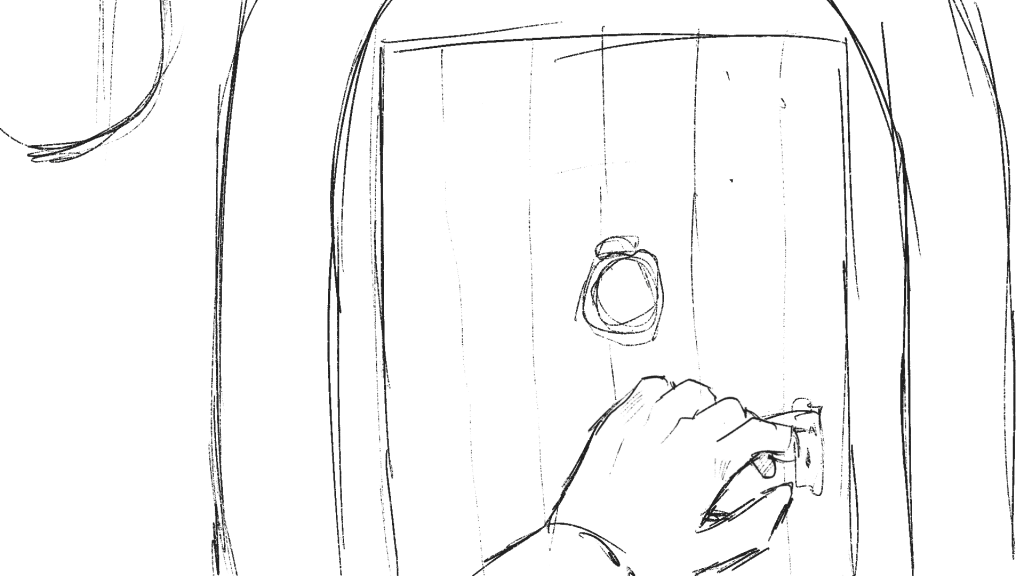
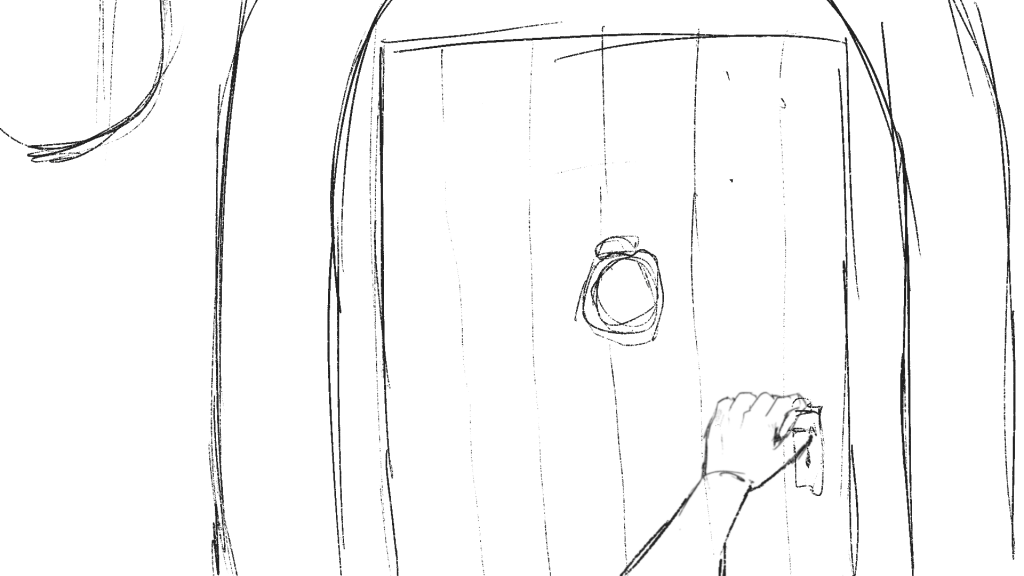
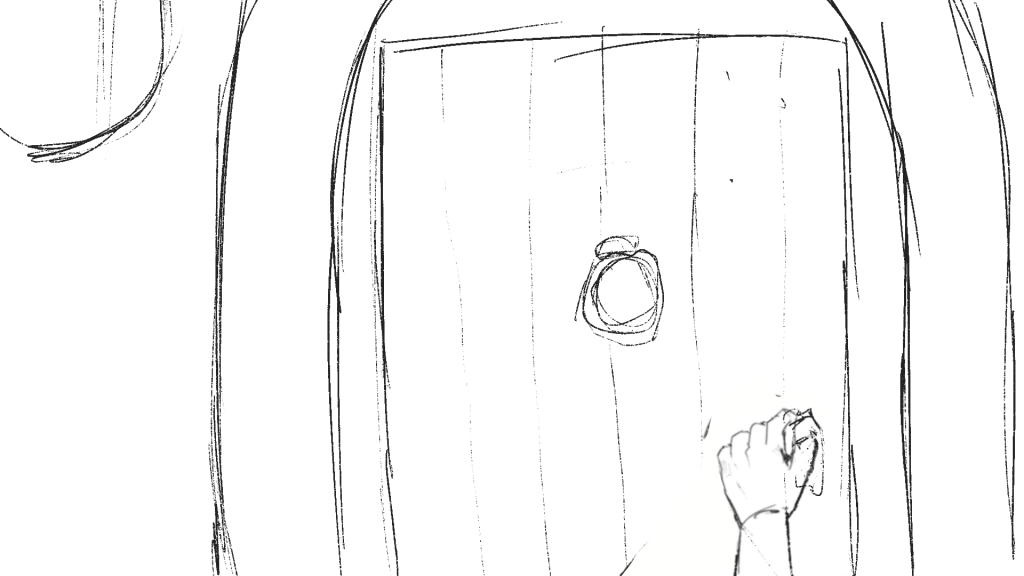
Door Opening scene, adding context and suspense
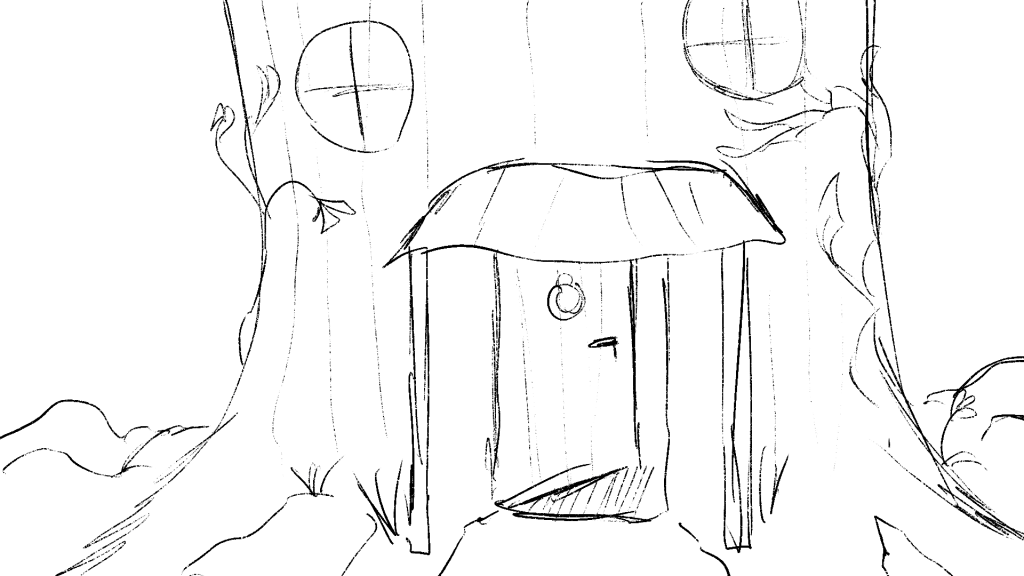
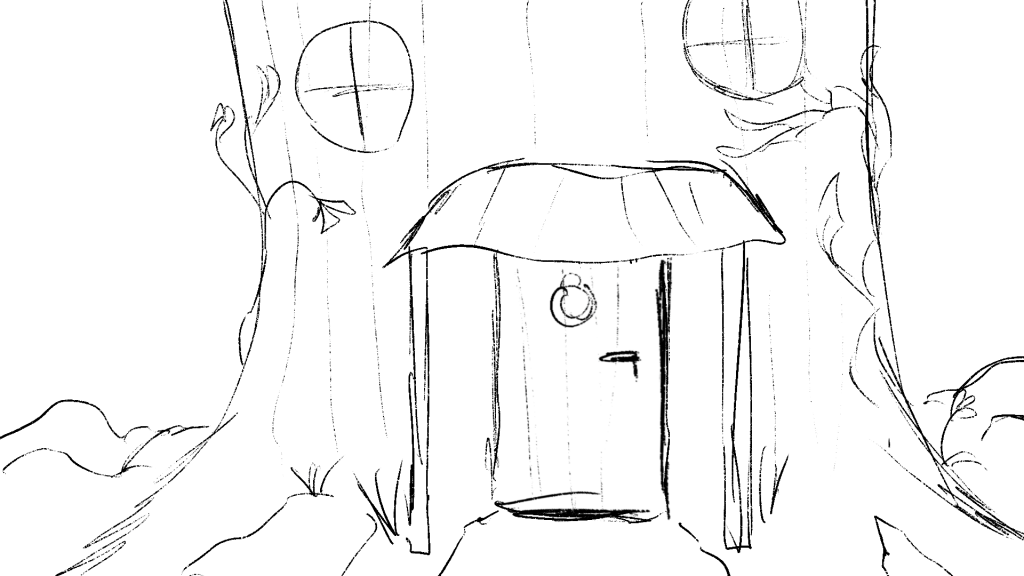
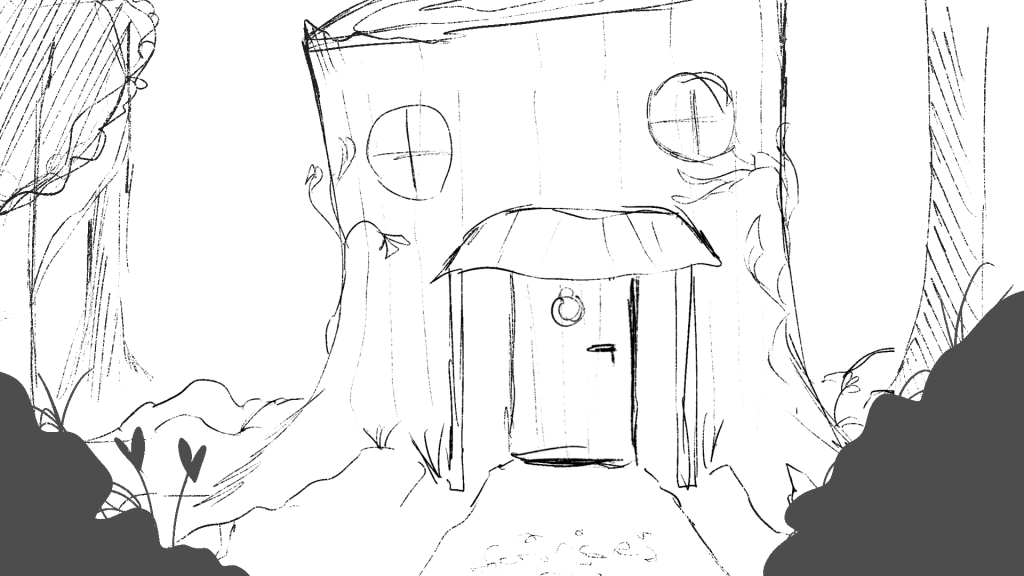
Discussed Final Door Scene, adding finality
Here also added in sound effects that i found on Freesounds.org as well as voicing the gnomes myself. For the crowd, i recorded multiple takes of a high pitched “happy birthday” and layered them over each other.
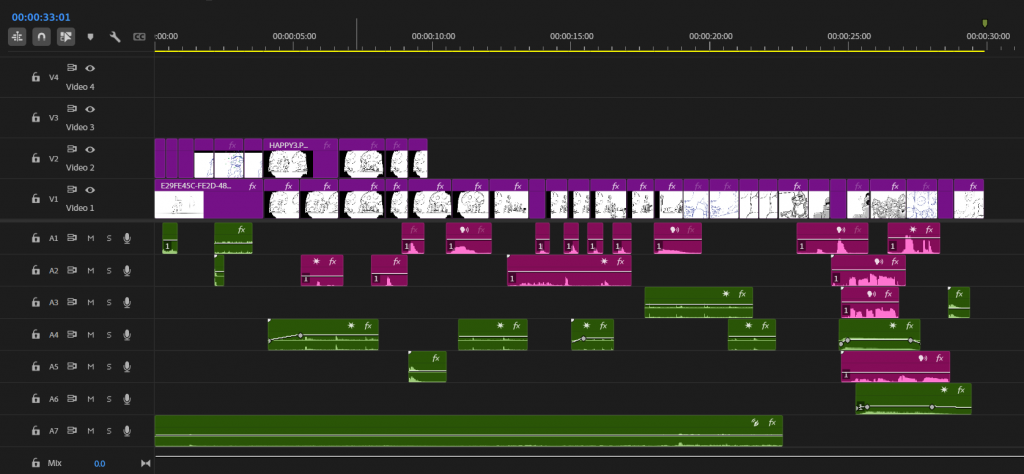
All the pink labelled audio is myself recorded.
After checking this animatic with a Tutor, it was said that it was difficult to see that it was his birthday, and we should make it clearer that its his special day. So we moved the confetti scene to the beginning in order to establish this, we also decided to change the perspective in order to add variation into the shots. Because of this, the scenes had shifted and there was no longer a scene of him walking up to his home and so we added a 3/4 angle of him walking, again to make sure there was variation between shots.
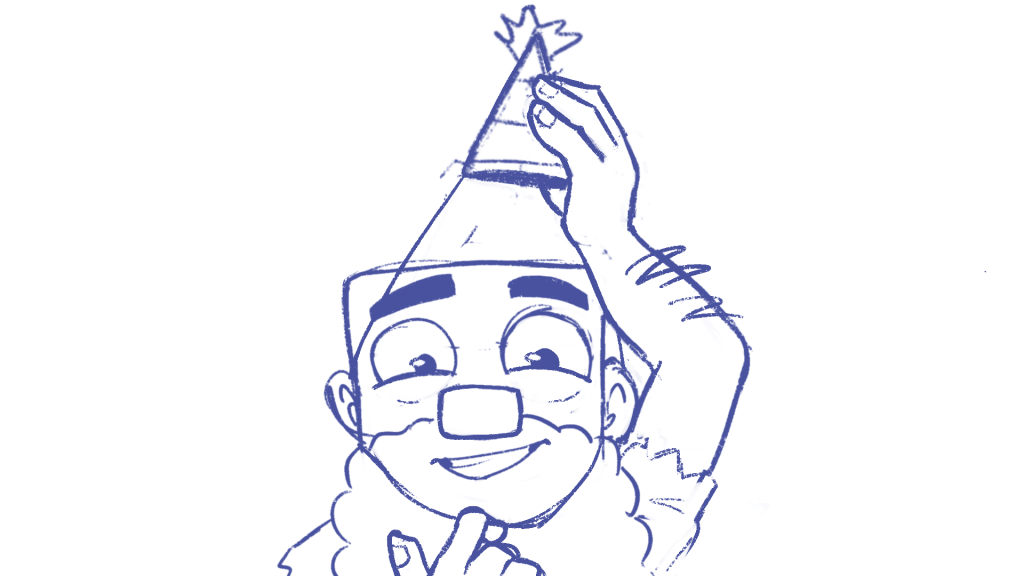
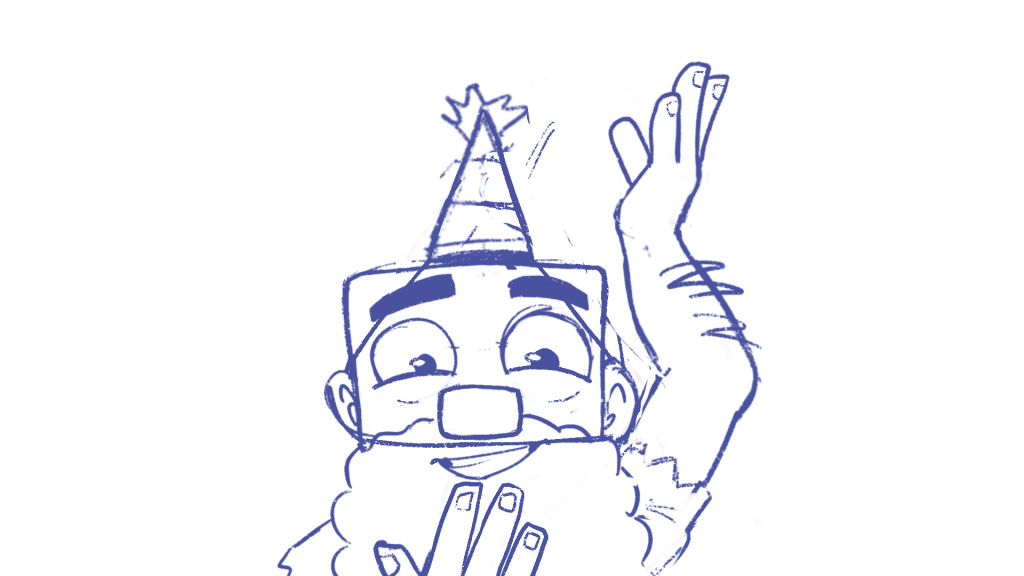
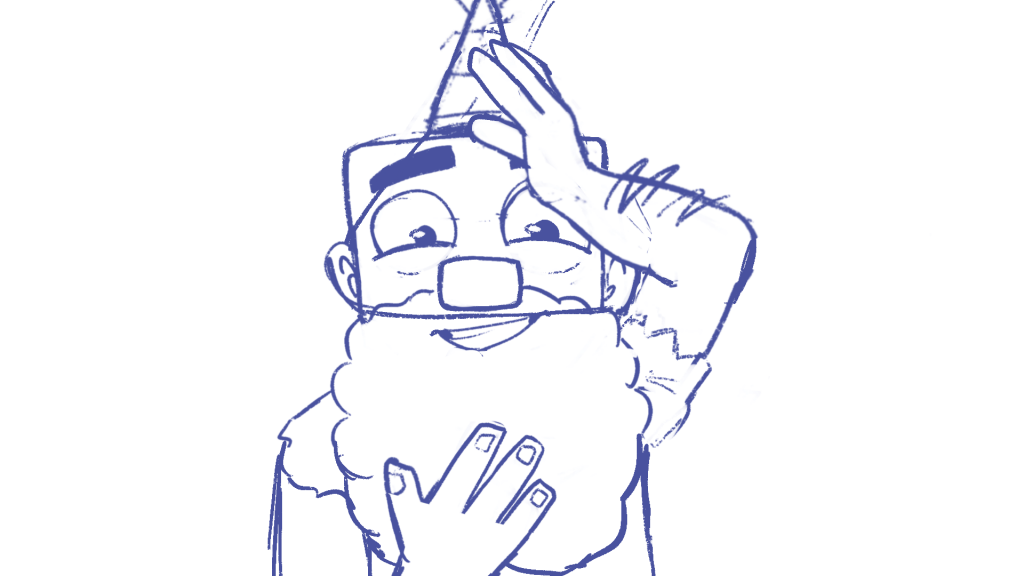
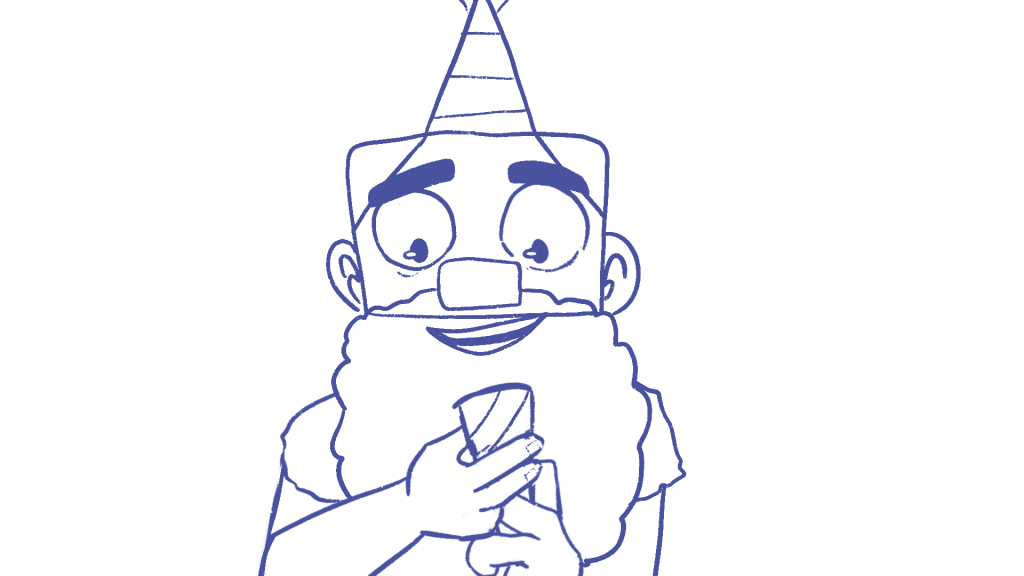
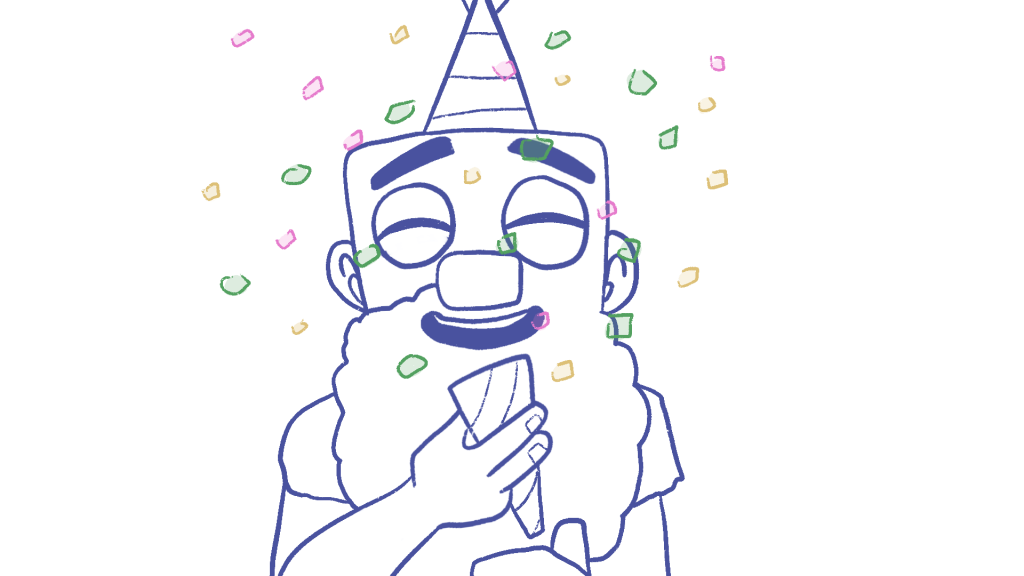
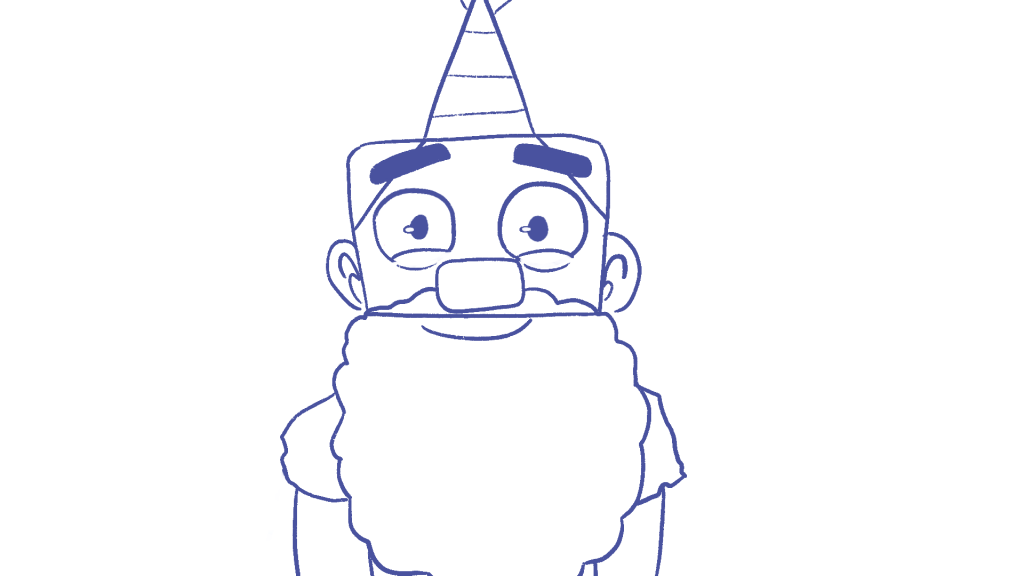
New establishing front on shot.
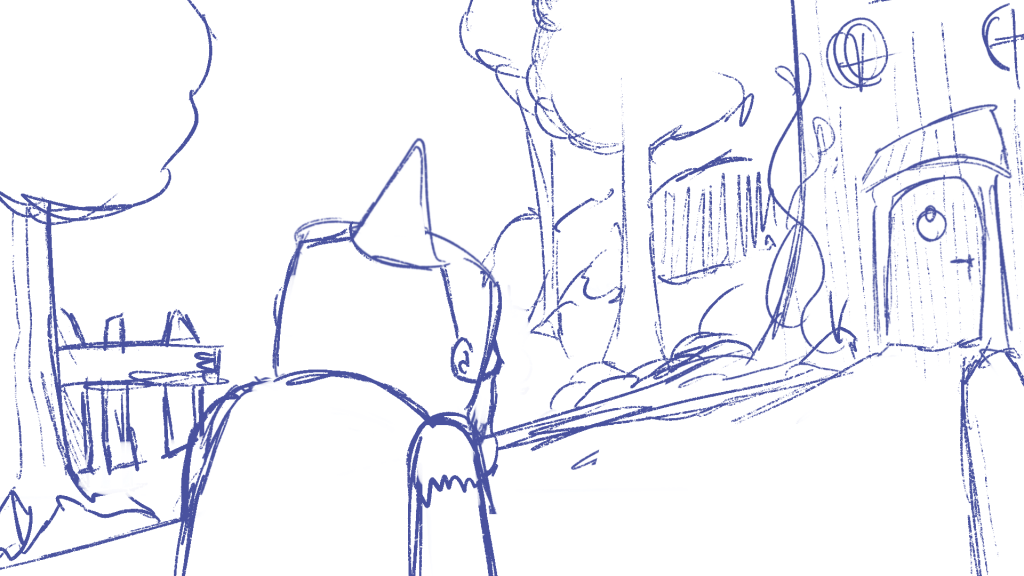
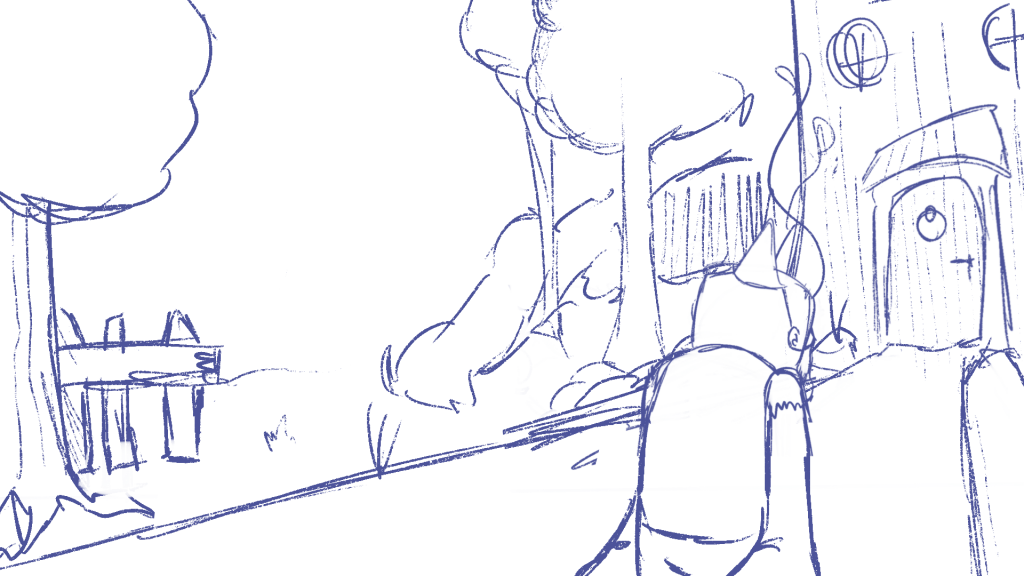
New 3/4 walking shot towards his home.
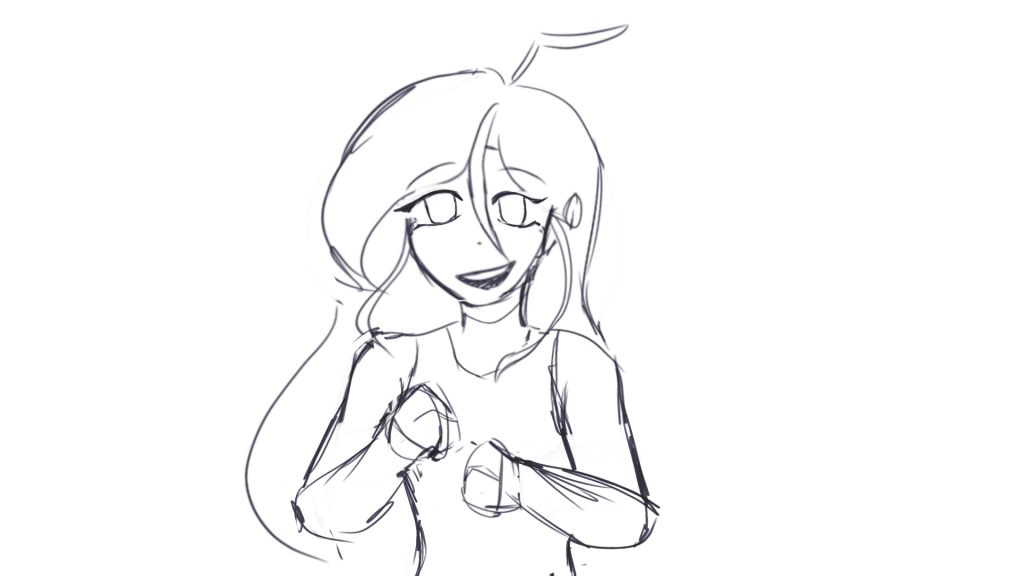
This was added into the animatic however watching again we felt as if there should be a reaction from Big Gnome to the others surprising him, Mikey worked on this.
We planned to mute the colours as the sad interactions go and then seeing the vibrancy reintroduced to him seemed symbolic of his joy. We also wanted to make use of him laughing and incorporate him with the crowd and so we made a “party” scene.
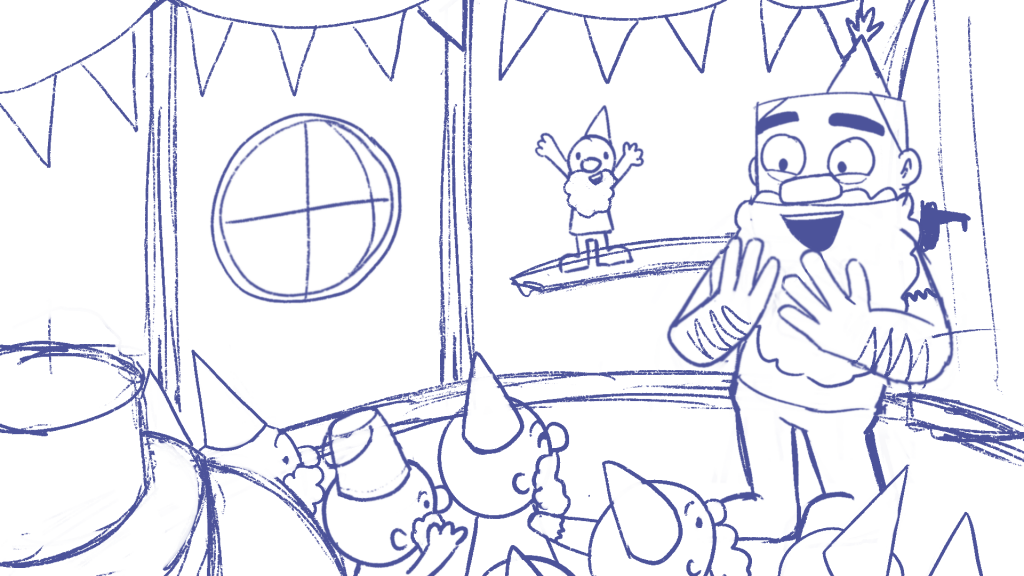
Inside of the house, new angle for the camera.
In this new rendition of the animatic i also decided to change up the door opening scene and add the gnome for an over the shoulder shot as well as making more sense (arm seemed too long otherwise.)
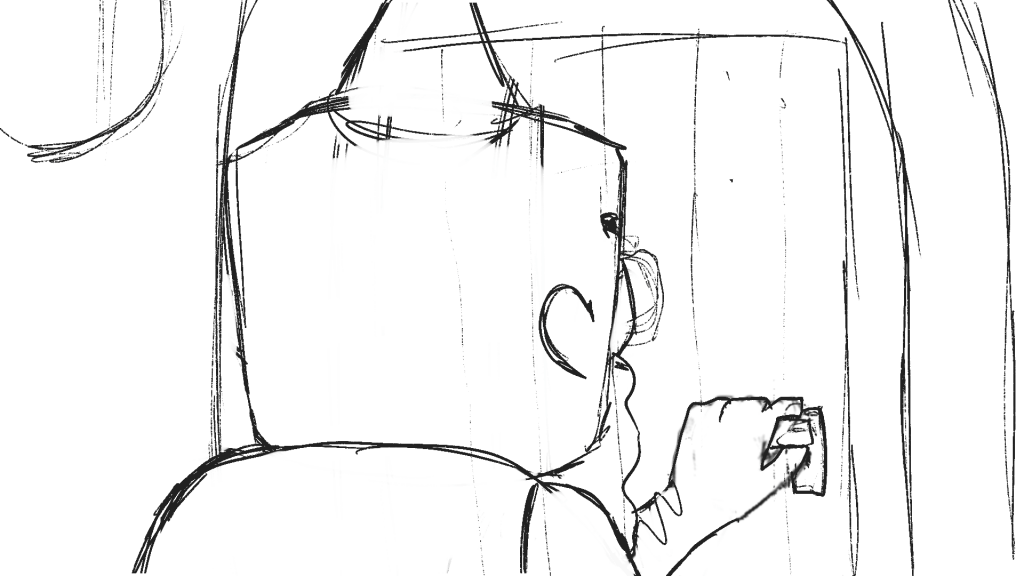
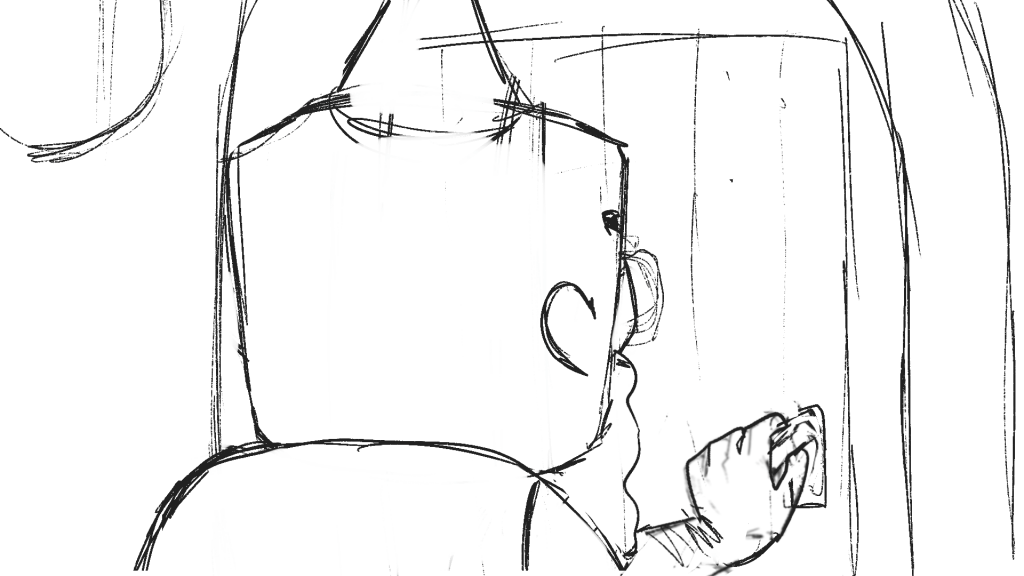
New Animatic
with the additions.
After this animatic was completed we started to work on our delegated roles. I was on Backgrounds and Editing. Both me and Ella worked together in order to make sure our brush sizes and line weight were the same so that they would be cohesive. I worked mostly on the outside and she did interior as well as the final door scene.
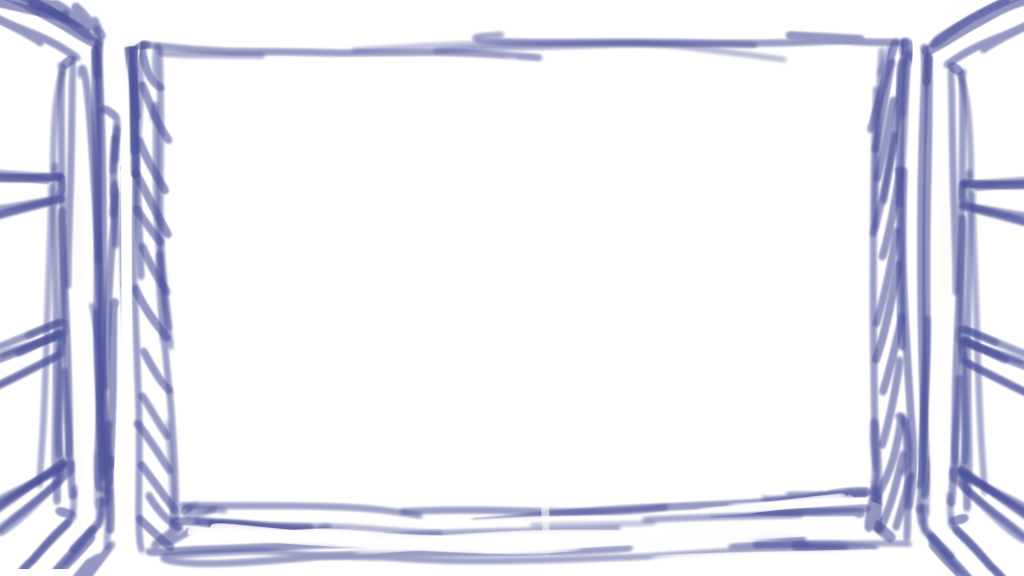
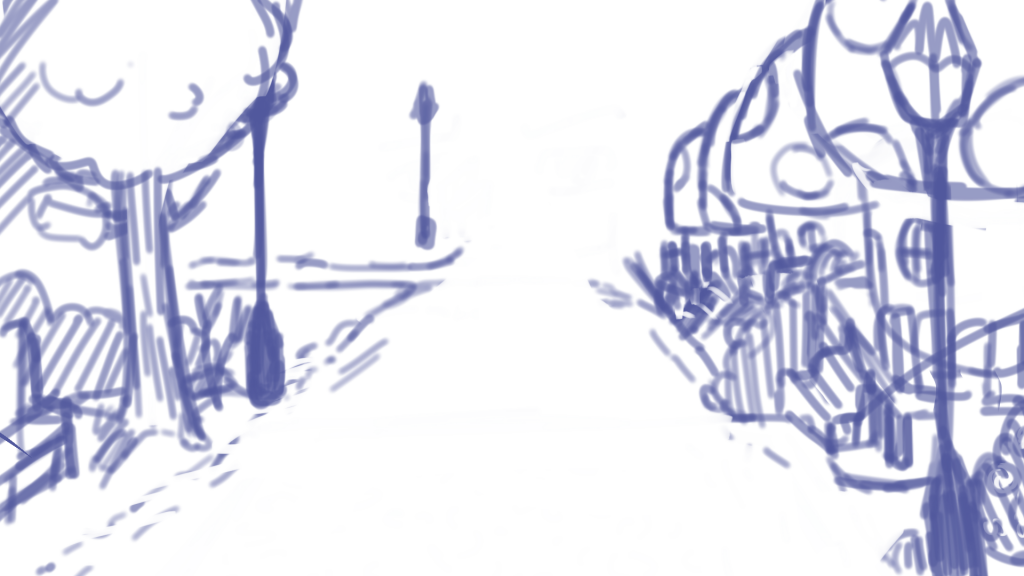
Window Idea (left) Street Idea (right)
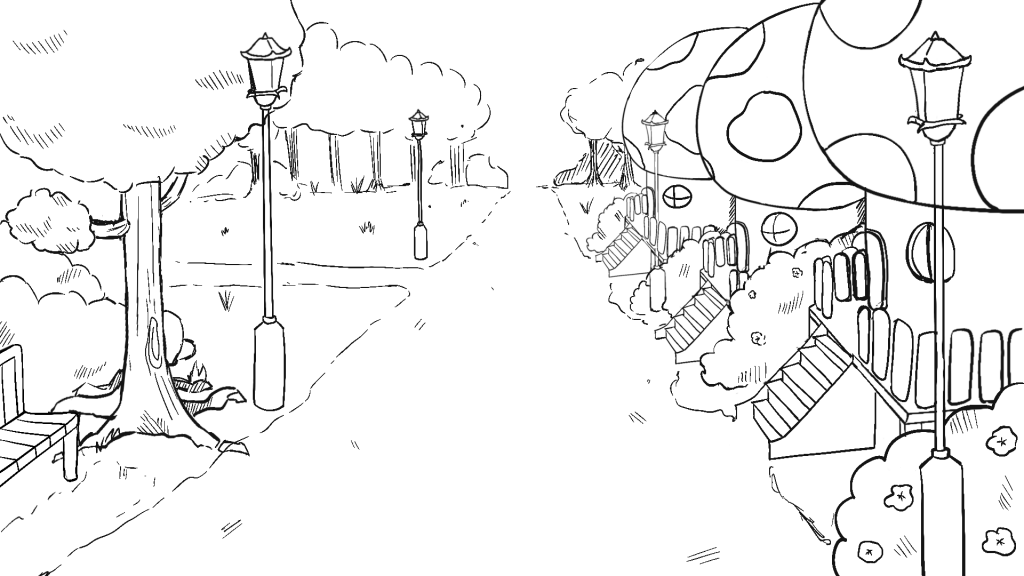
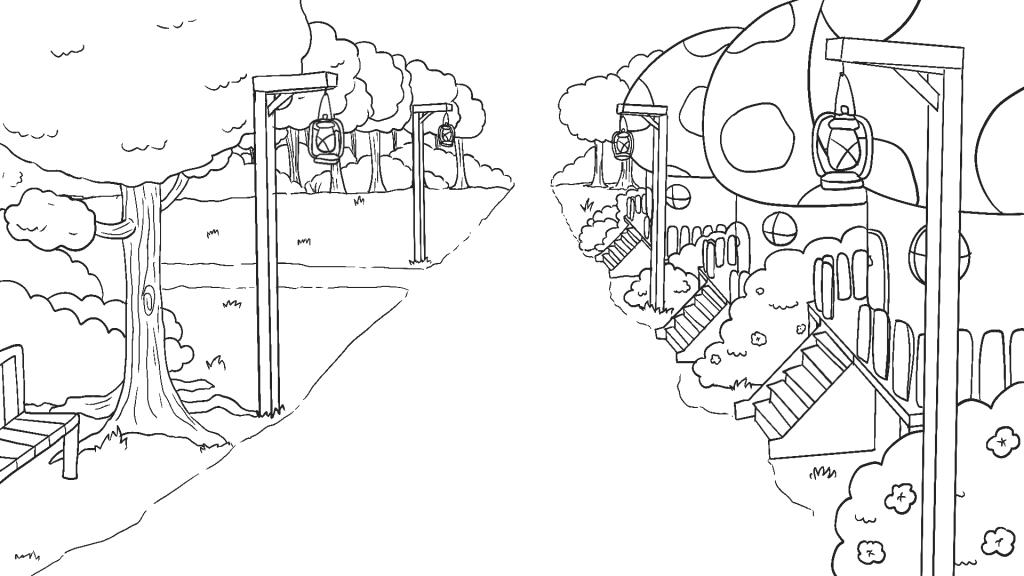
Rough sketch but then changed lamppost to fit into the aesthetic
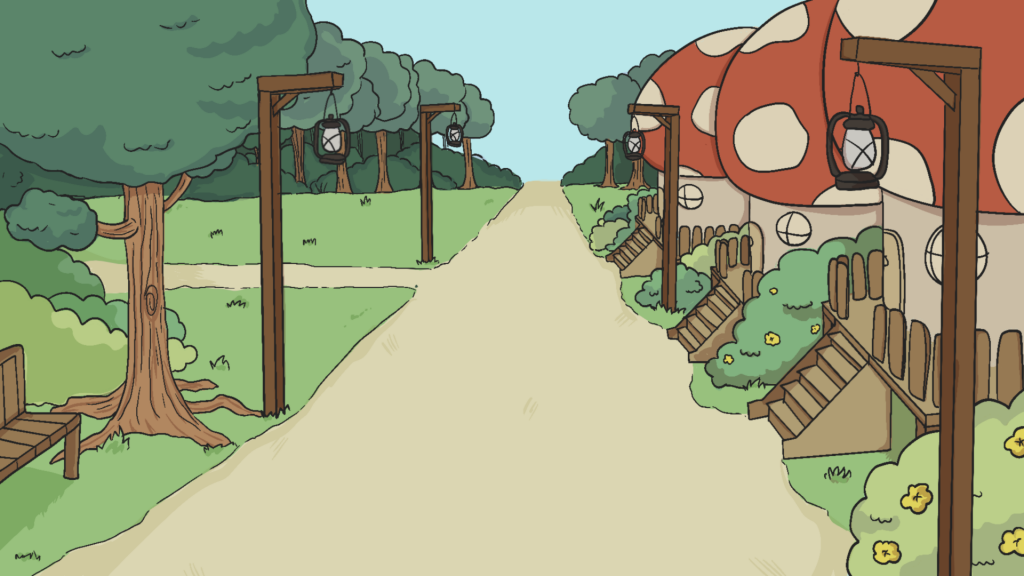
first background, we initially pictured a shop window to see gnome in his reflection however the frame seemed to crowded and the characters would be cut off if the window was to be recognised as one. So we changed it to the path he is walking on that leads into the next scene.
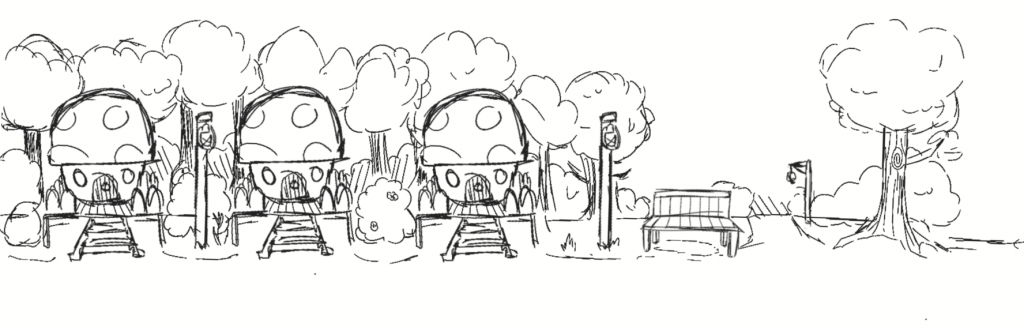
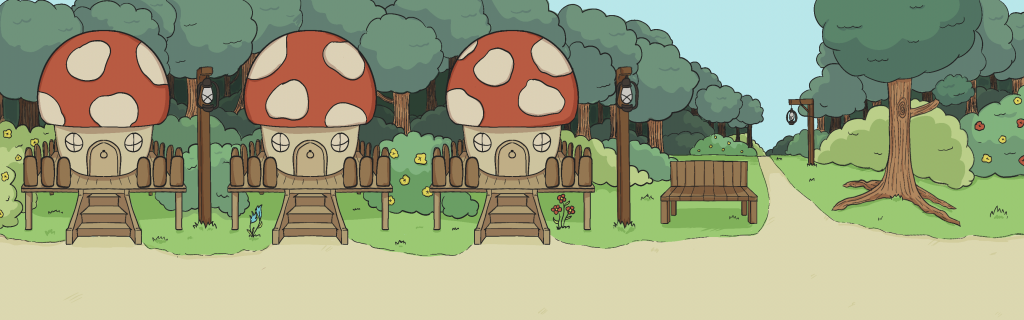
this is the main, wide panning shot. Where the gnome will be walking and reacting to everyone else, getting progressively sadder. I wanted to make sure that i drew wide enough in case we needed to pan more than intended.
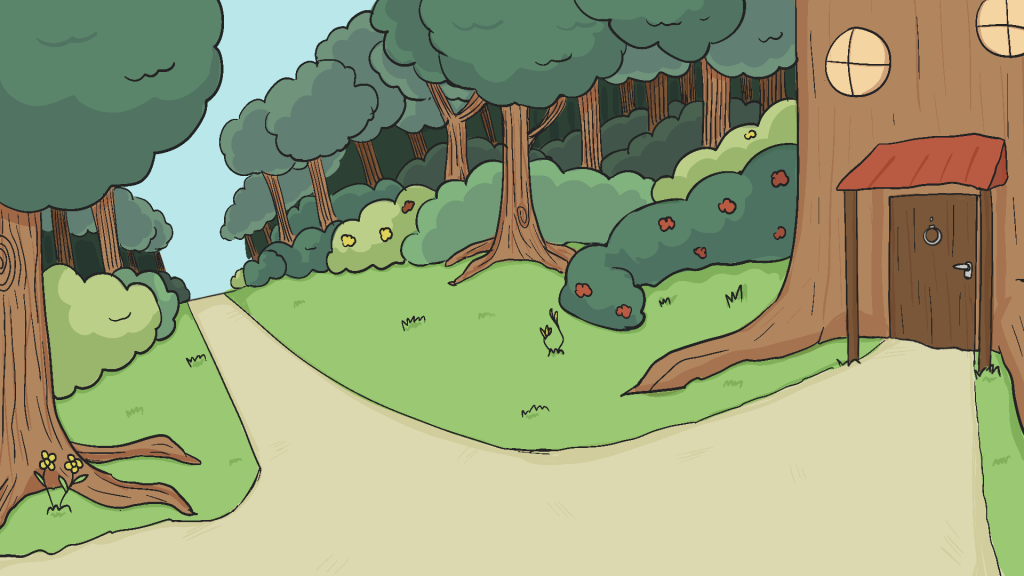
3/4 walk towards his home. Conversing with Ella to make sure that there is continuity in the big gnomes home. Using the animatic as sketch, lining over and adding details.
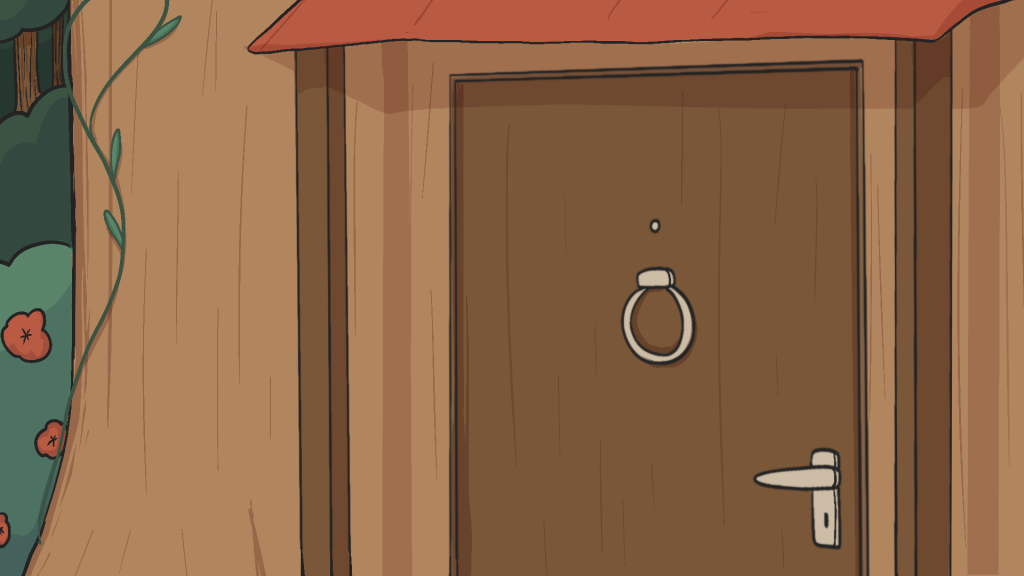
close up for when gnome opens the door. Animatic as sketch
When they were all complete we compiled them and put them into the timeline onto of out animatic in order to see if the scenes were given the right amount of time now that visualising the world was clearer. We were also able to create a style frame to see how the whole animation would turn out.
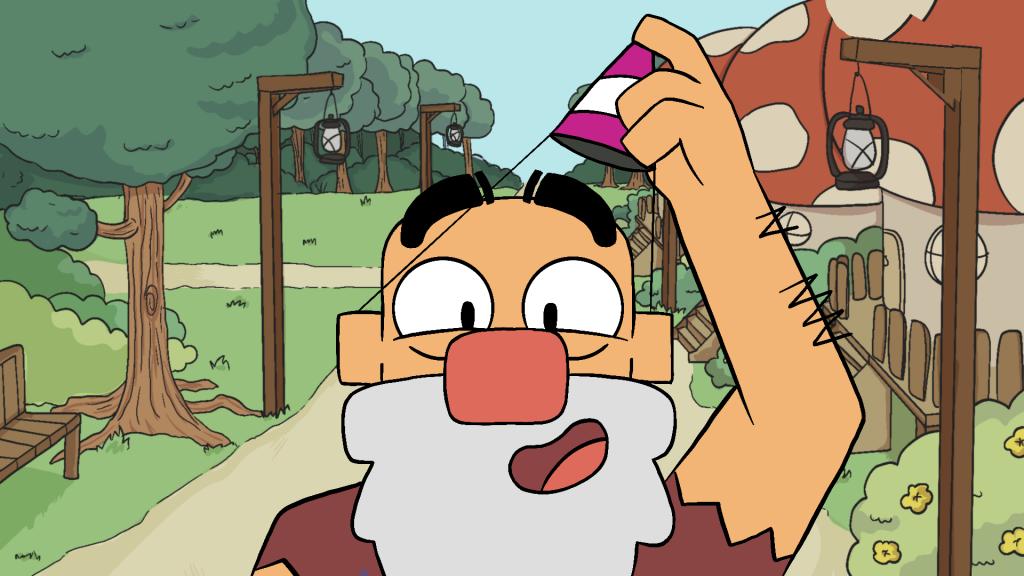
style shot
After the style shot was complete, we headed straight into the animation and production process. Mikey would sketch out the animations of the main gnome and hand them off to be cleaned up and coloured. And as I had more time as the backgrounds were done i took them in.
Animations I lined + coloured.
Scene wherein which he sees the surprise party
door opening scene
party scene
After these were lined and coloured, i then helped out with trying to figure out the walk cycle to make animation easier for the sketch artist. It was one of the most difficult things i faced during this project.
But first we had to figure out the complete side profile for him during the panning scene.
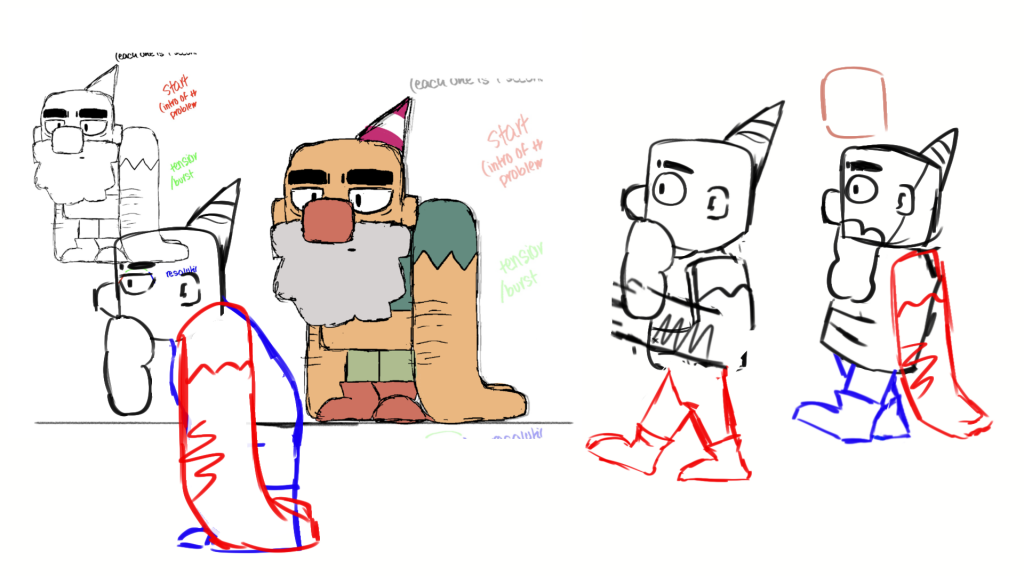
a few concepts and sketches to try and understand how his shapes would sit when he walks. Both happy and sad.
Walk cycles.
I worked on the basic rough sketch (blue/left) first to figure out footwork in order to pass off and get put properly into the style. Then after a while i went to figure out the animation for the 3/4 walk (pink/right)
I then lined over and coloured once Mikey had finished them.
happy walk cycle
sad walk cycle
big gnome and the benched gnome scene
Another i lined, i passed off to Ella to colour
When Mikey was working on these scenes and i was waiting to line it, i offered to animate the 3/4 walk as it was daunting to tackle. Using the walk cycle i had figured out i plotted the frames onto the background in ToonSquid
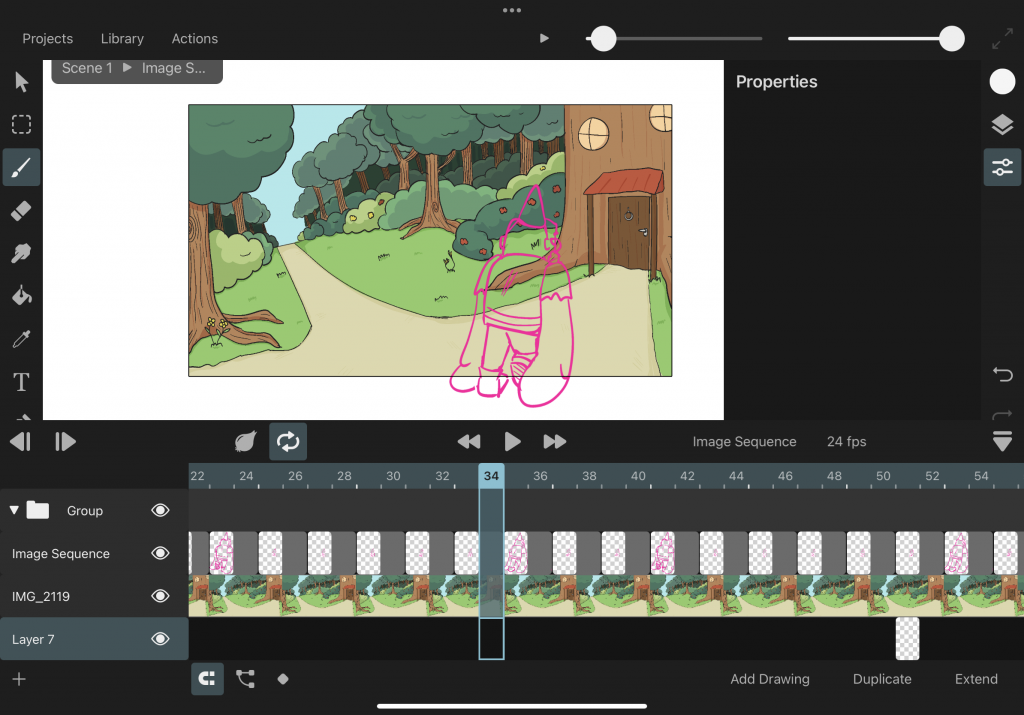
This was so i could see where the gnome would need to be placed
I then lined over this scene
and added colour
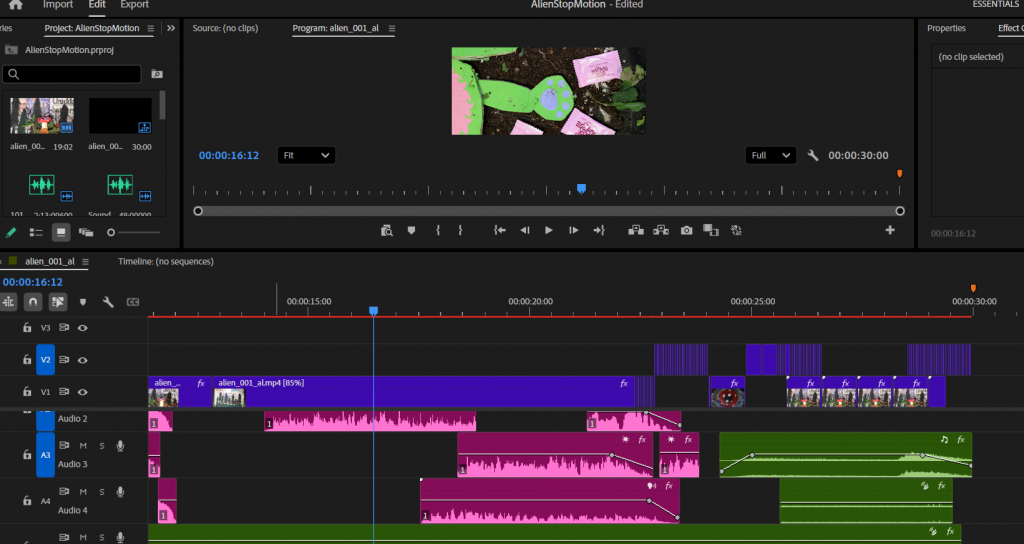
By this point the files were being sent to me throughout the whole process and i had been adding them into the Premier file to edit bit by bit.
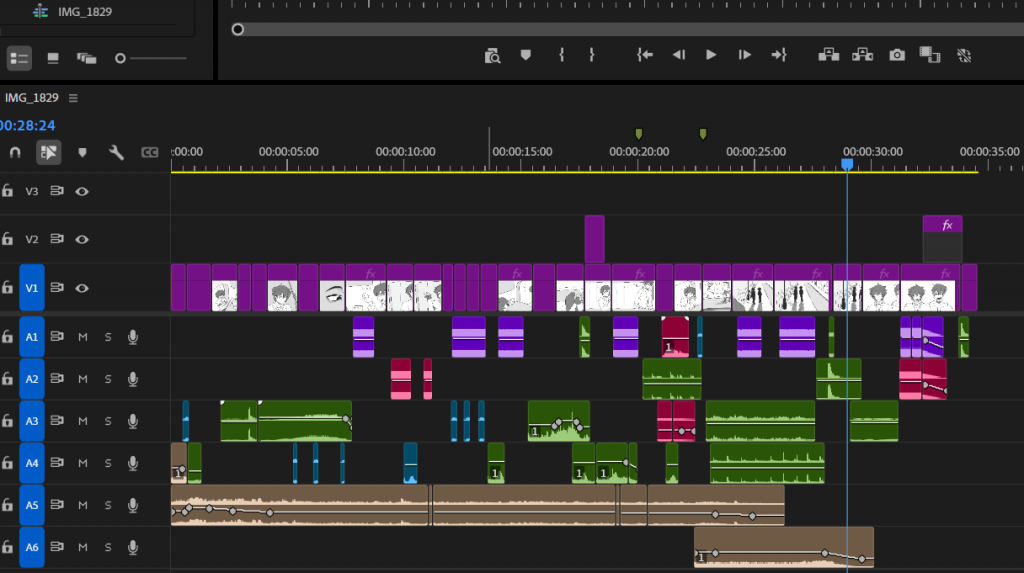
I had gotten the files from everyone now and began to dedicate my time to editing the project. Some of the files needed to be remapped and timed again in the timeline, as well as syncing the audio cues to the movements.
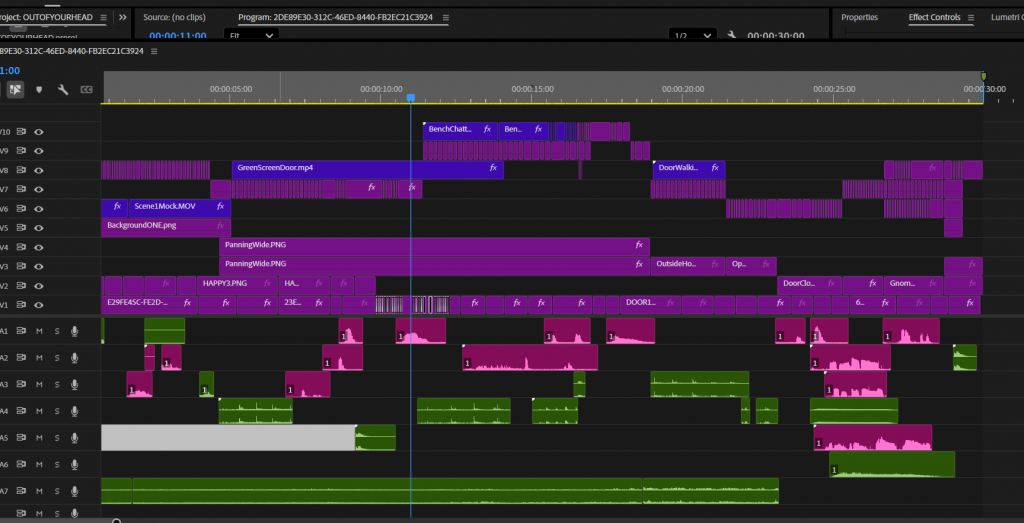
Every file is layered over another, this way i could keep track of where we were in the animatic and stick to the timings that were dedicated to each one. Though i found it a little overwhelming managing all the elements. Overall it was a fun journey and definitely helped me learn more about editing and the program.
I added extra sound effects in areas that had changed throughout the animating process such as the first scene, where now he adjusts his hat instead of popping confetti.
One of the biggest hurdles i had to face was the panning scene. It was problematic for me as the entire background is moving and yet there are elements that have to slide along with it. (The door and bench gnomes.) It was frustrating to figure out a solution other than moving each frame one at a time. Despite trying to group the animations Premier wouldn’t allow me to use keyframes and move them.
To get around this i green screened the smaller gnome scenes and tracked the video instead of the frames themselves.
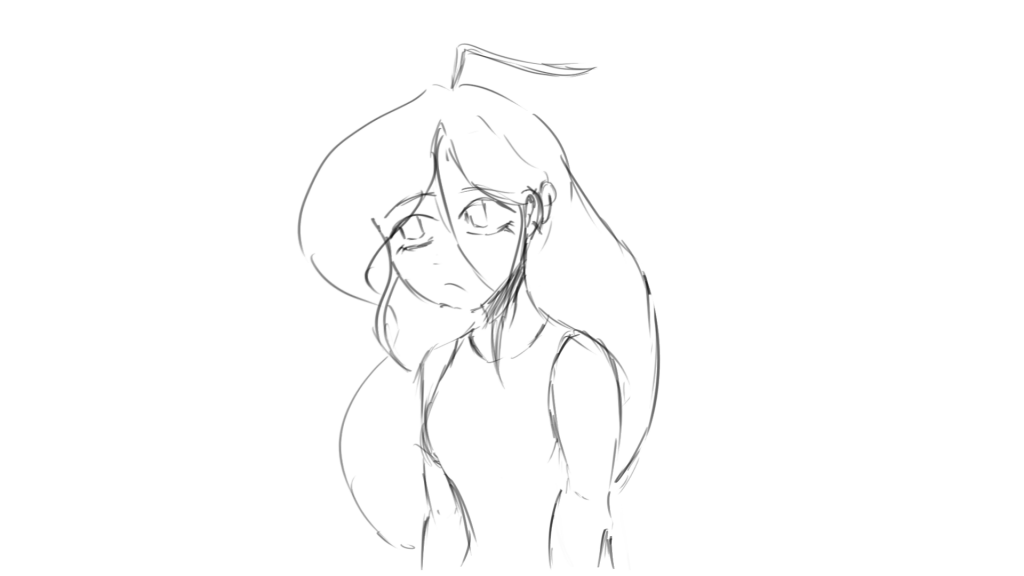
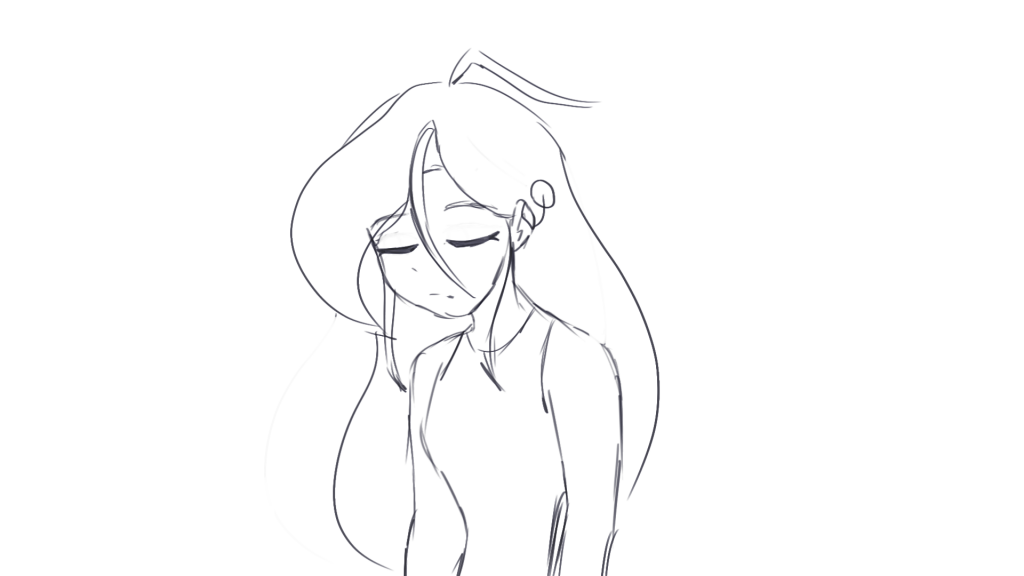
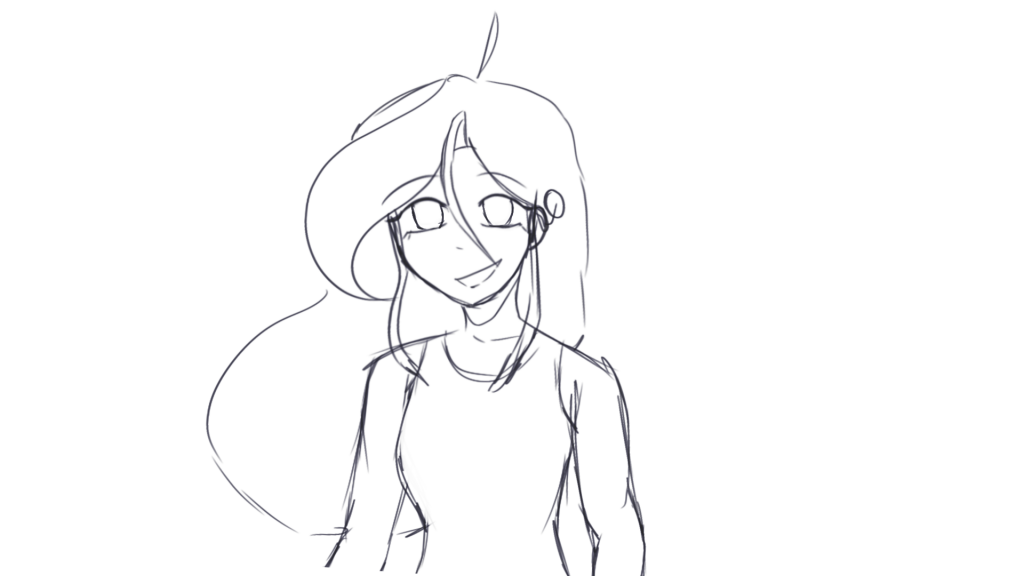
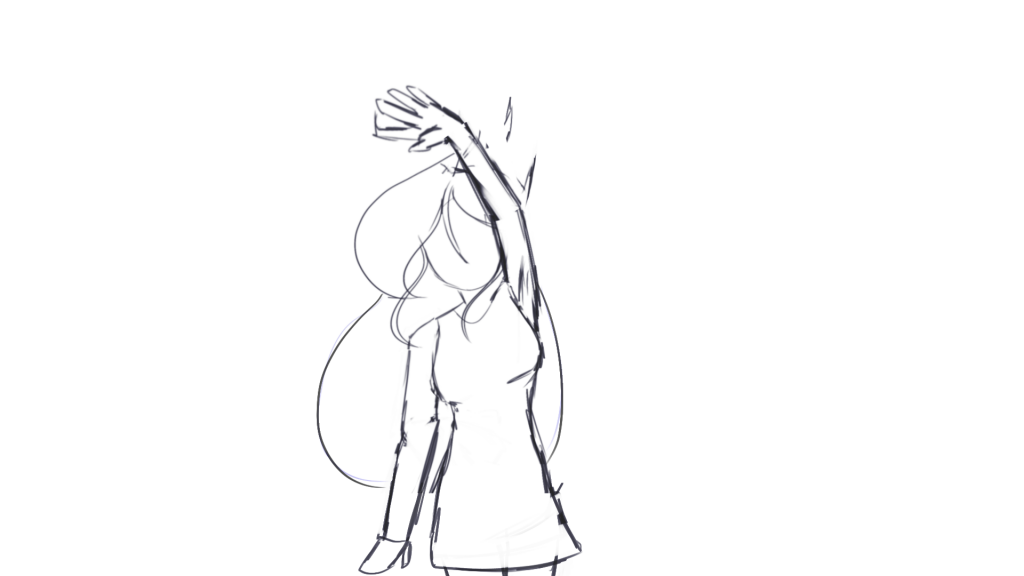
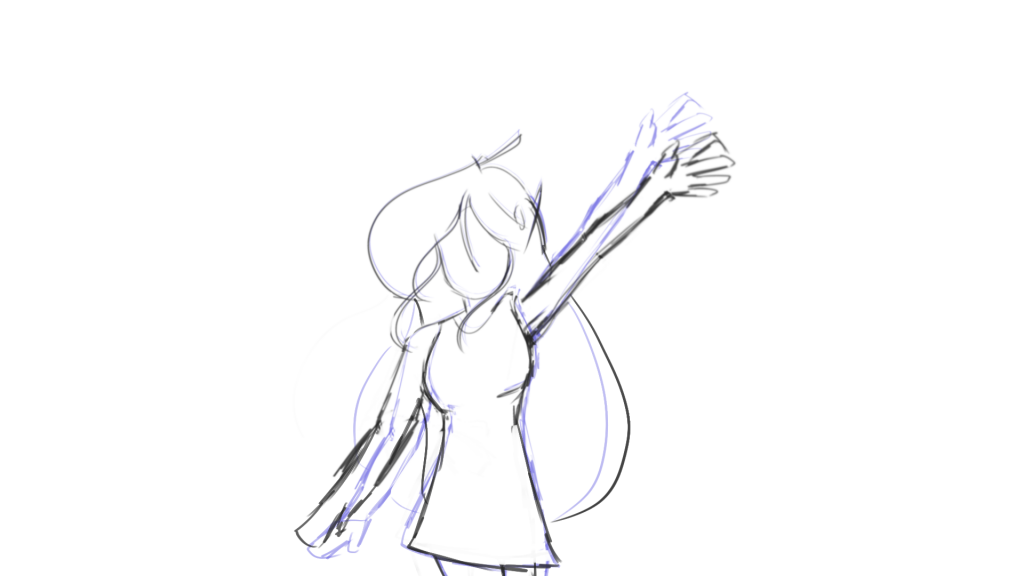
Sketch by Joshua. Line + colour by Mag
Sketch by Joshua. Line + colour by Mag
Finally, after a while of sorting this out it was finally done. I sent it to the group and asked for areas that i missed and after taking in all their points and jumping into calls to rewatch and watch again, it was fully finalised.
Final Animation.
Big Gnome Birthday